The3DTools
Browser 3D generators for product visuals
Device mockups, packaging, motion, and merch — tuned live in your browser, exported without plugins.
Flagship · App Dev & ASO
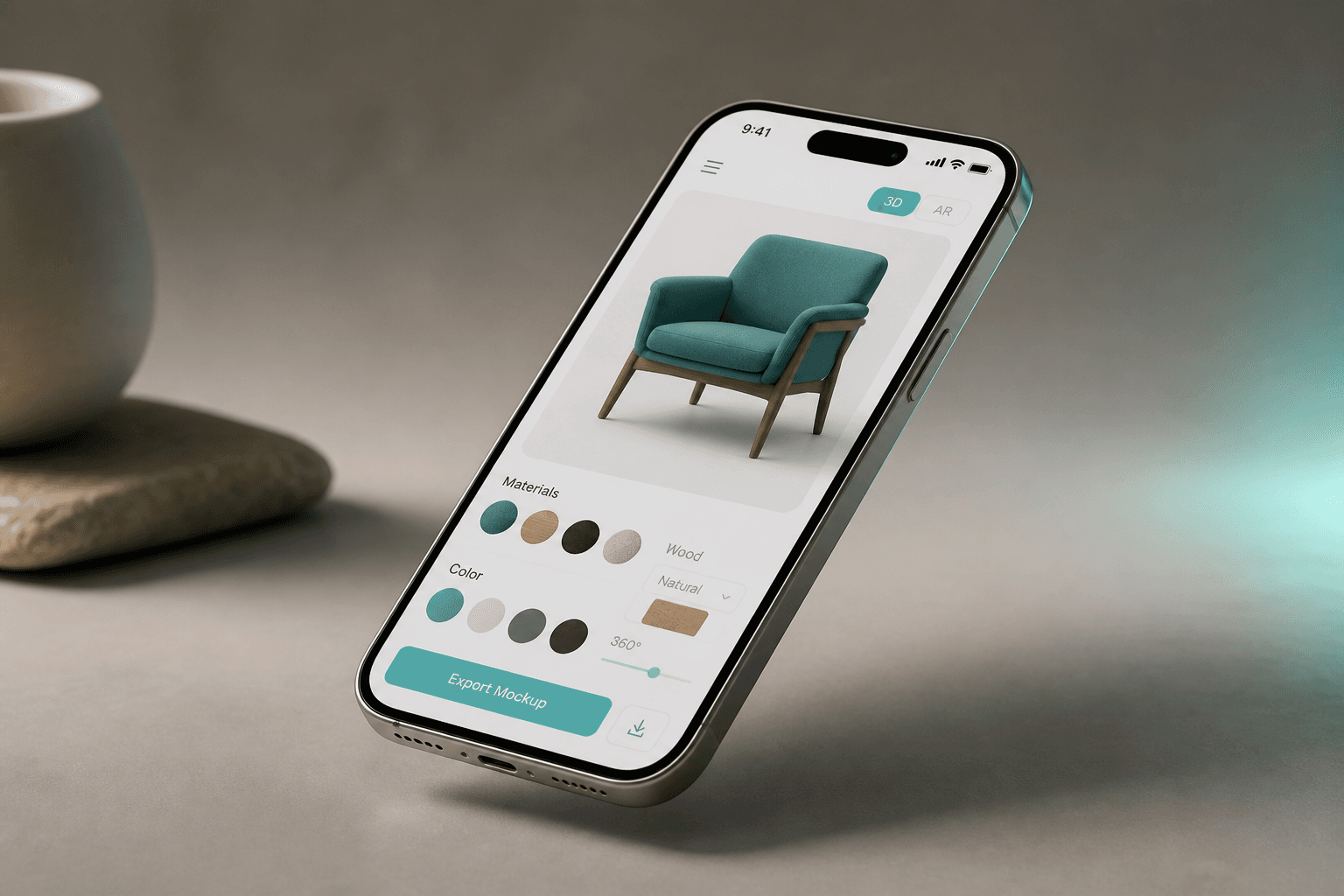
3D iPhone Mockup Generator
Drop in a screenshot, pick a device finish, orbit the chassis, and export a high-resolution PNG — the same live WebGL stage you see in the tool.

Why teams bookmark The3DTools
The generators bridge creative polish with operational clarity — whether you are shipping ASO assets, building landing pages, or sizing spaces before you buy hardware.
Nothing to install
Every tool runs in a modern browser. Skip plugins, GPU drivers, and heavyweight desktop apps.
Tweak in real time
Sliders, presets, and live previews help you iterate fast before screenshots or exports.
Built for marketing pages
Long-form guides, FAQs, and structured metadata ship with each generator for stronger SEO.
Free to explore
Use generators without paywalls so you can concept, pitch, and ship visuals quickly.
How it works
Three lightweight steps from blank canvas to channel-ready visuals — no render farm queue required.
- 01
Pick a generator
Start from a hub — device, packaging, motion, spatial, abstract, or apparel — or jump into a flagship mockup.
- 02
Dial in the look
Adjust colors, angles, lighting, and copy until the preview matches your brand and channel.
- 03
Capture and publish
Grab high-quality screenshots or record short clips for stores, decks, docs, and social posts.
Explore every engine on the site
Pick the lane that matches your brief — each hub collects dozens of specialized generators with consistent controls and export-friendly previews.
Popular picks this month
Jump straight into high-traffic generators spanning motion, packaging, and spatial utilities — each tuned for crisp previews.
- Chrome typographyMetallic headline styling with instant preview.Open tool
- Wine bottle labelEstate-ready packaging visuals with editable bands.Open tool
- Room lighting calculatorEstimate lumens and fixture counts from room size.Open tool
- Floating business cardAnimated card mock with depth and motion controls.Open tool
- Spinning logo GIFLoop-friendly brand orbit for profiles and splash screens.Open tool
- Bookshelf capacityShelf levels, fill targets, and storage estimates.Open tool
Built for indie studios and in-house teams alike
Pair interactive previews with editorial SEO sections so every tool doubles as education for your audience — not just a novelty widget.
Explore packaging hub- App Store and Play Store screenshot prep with crisp device frames
- DTC landing pages that need packaging and bottle shots without a photoshoot
- Newsletters and blogs that embed interactive 3D-style visuals
- Pitch decks with motion accents instead of static placeholder boxes
- Operations teams sanity-checking volume, bins, and lighting before purchasing
Frequently asked questions
Straight answers about workflow, licensing context, and how to get new generators on the roadmap.
Do I need Blender or Cinema 4D to use The3DTools?
No. Generators are browser-based: open a tool, adjust controls, and capture what you need. Heavy 3D authoring apps are optional.
Can I use these visuals commercially?
Outputs are yours to use in marketing and product work. Double-check third-party trademarks in screenshots you upload (logos, UI artwork, etc.).
Will these pages rank in search?
Each tool ships with descriptive titles, structured metadata, and long-form sections written for humans and search engines.
How do I request a new generator?
Use the feedback bubble at the bottom-right of any page — choose “Request a tool” or “Feature request” and we will review it.
Ready to draft your next batch of visuals?
Start with the flagship iPhone mockup or dive into packaging and motion hubs — everything stays in the browser with instant feedback loops.